
May 2026 Release: AI is live, less work for your team, better experience for your members
🔍 Search & Discovery
Search the entire community with natural language
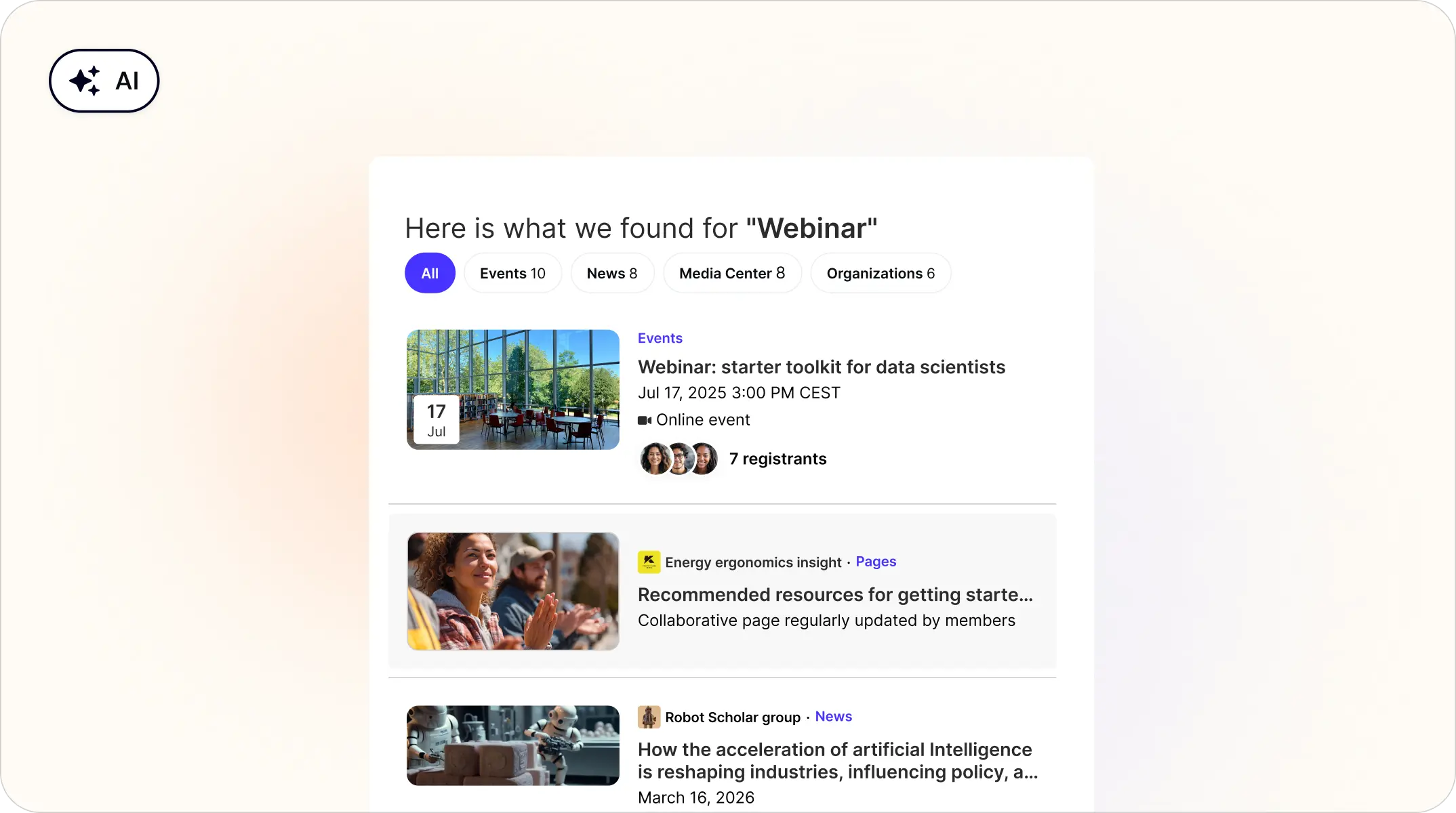
Users can search across the community using natural language (e.g. "events about leadership") and get results ranked by relevance or creation date across all content types: Custom Pages, Users, News, Events, Forums, Projects, Media Center, Portfolio, Live Feed Posts, Opportunities, Organizations, and Groups.
Who it's for: Users
Plan availability: All x26 plans.
Discover relevant content automatically
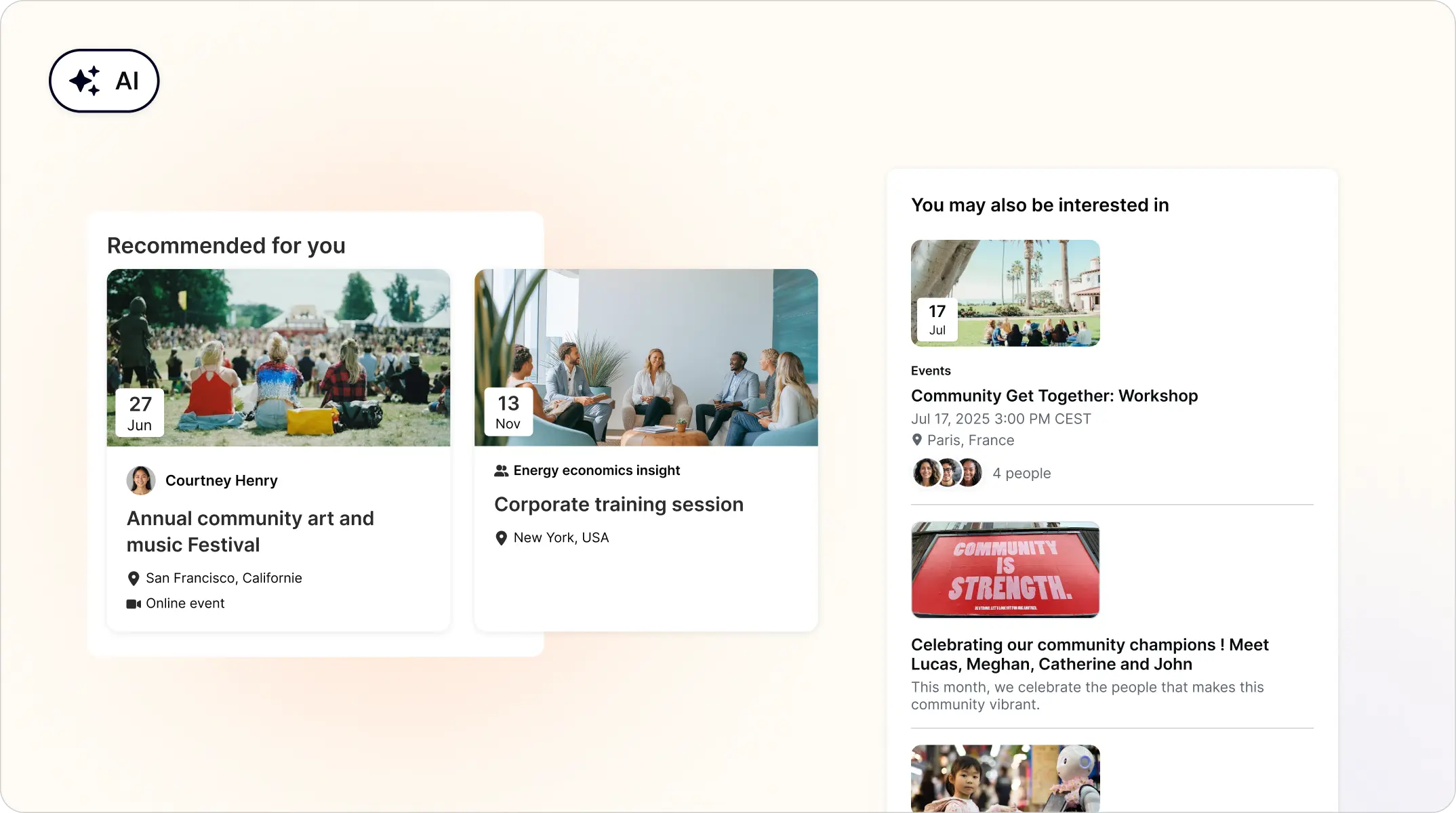
As users browse News, Forums, and Events, a "You might be interested in" section surfaces related content they might otherwise miss, powered by AI and scoped to each user's permissions.
Who it's for: Users
Plan availability: All x26 plans.
Find users in the back office with natural language
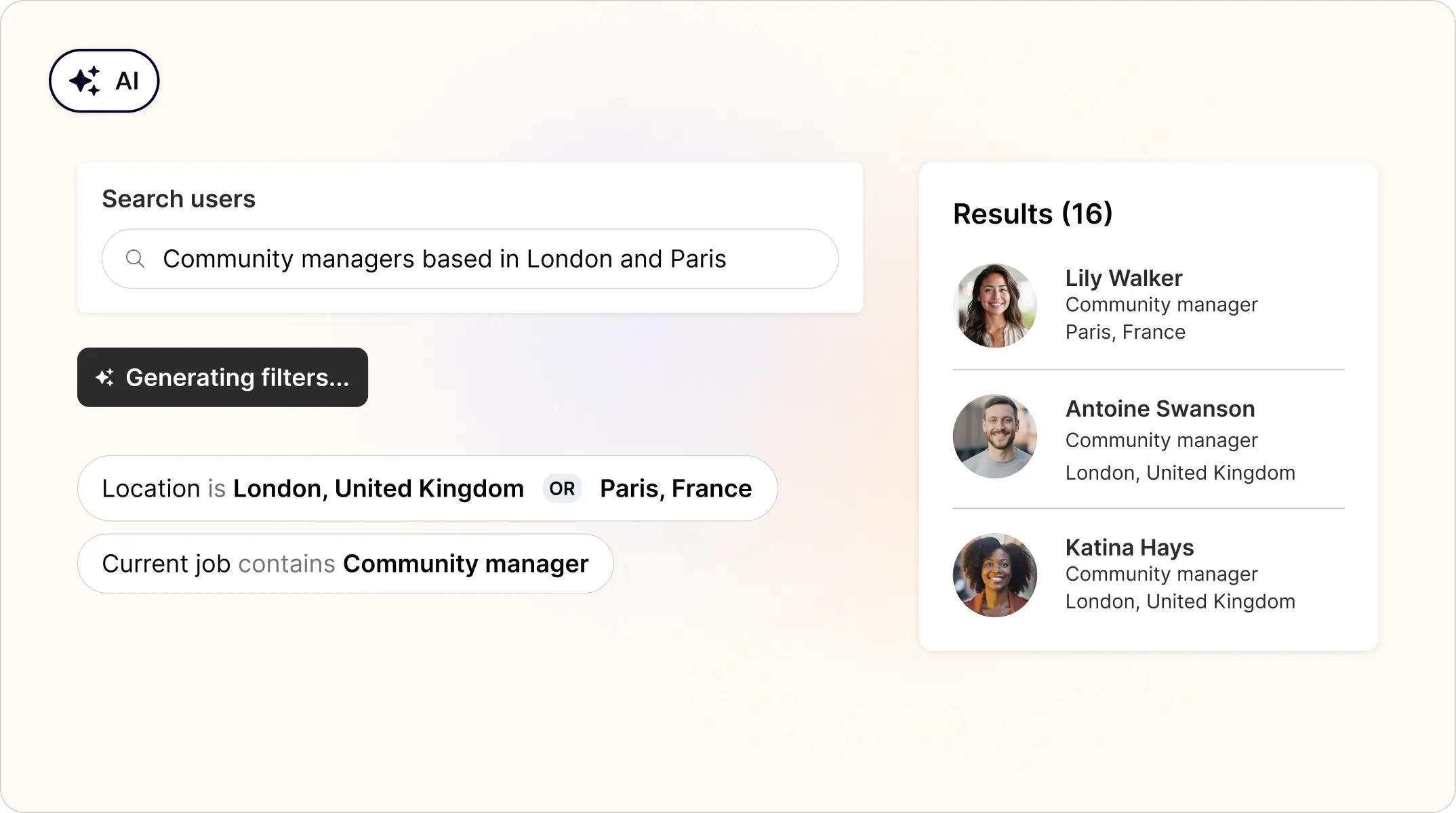
In the Back Office Advanced user search, admins can type a query like "users with an active membership expiring in the next 14 days" and let AI translate it into the right filters. The result is shown for review and can be adjusted before running the search.
Who it's for: Admins
Plan availability: All plans
💬 Live Feed & Engagement
Schedule and manage live feed posts ahead of time
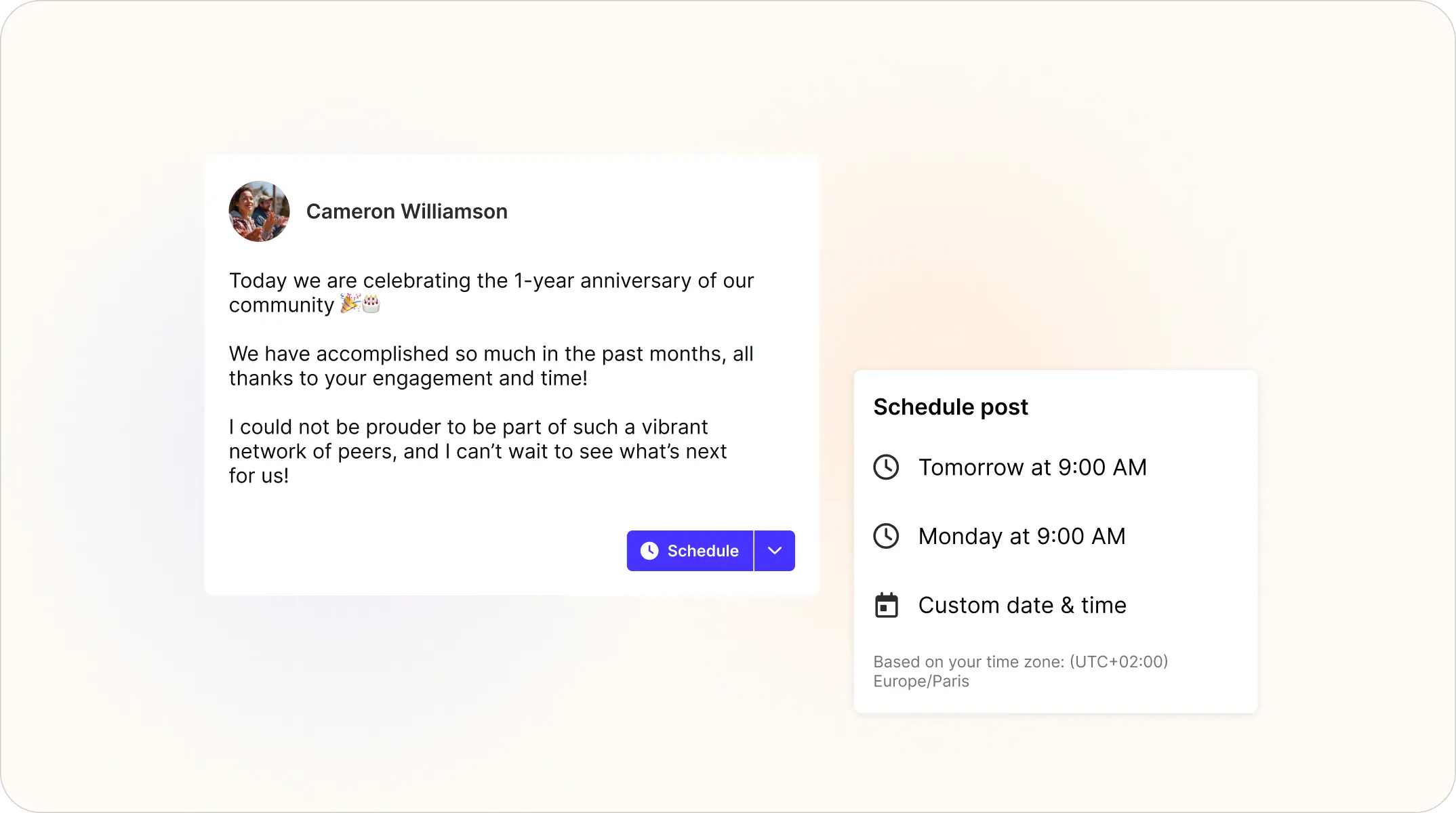
Network and group admins can now schedule their live feed posts for later on web and mobile. A new Scheduled Posts page lists everything pending: edit, reschedule, send now, or delete from a single view.
Who it's for: Network admins and group admins
Plan availability: All plans
React to content with custom emoji reactions
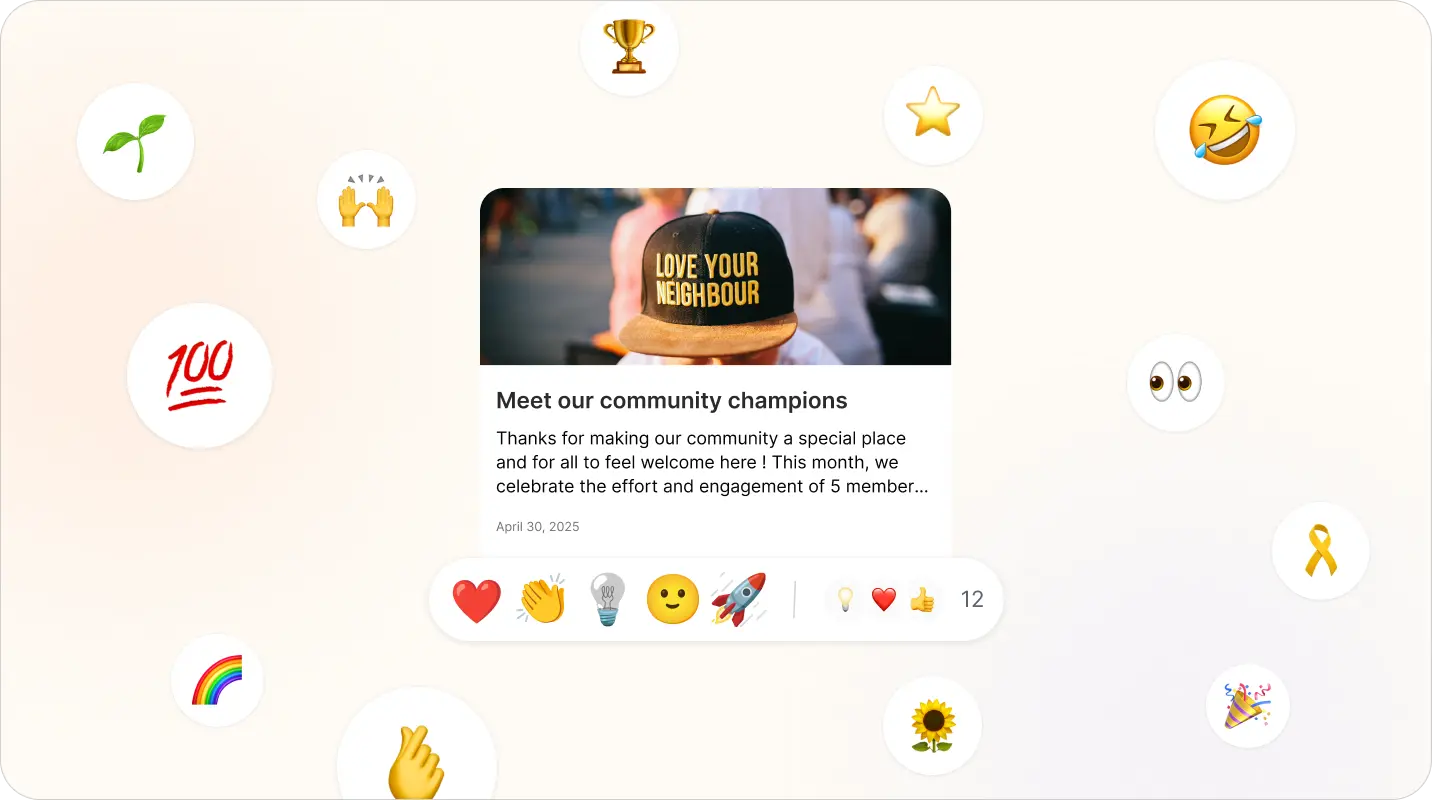
The "Like" feature is being replaced by a fully customizable reactions system — available everywhere "Likes" previously appeared: posts, comments, forum discussions, articles, news, events, media center files, and projects. Reactions are also supported in the latest version of the mobile app.
Admins can configure up to 5 reactions per community. Three come enabled by default (❤️ Like, 🎉 Celebrate, 💡 Insightful), but all of them can be replaced or adjusted to match your community's tone. Existing likes automatically migrate to the Like reaction, and each reaction type can be assigned a different engagement-scoring weight.
Who it's for: Users & Admins
Plan availability: All plans
📱 Mobile App
Experience the latest features in our new mobile app version
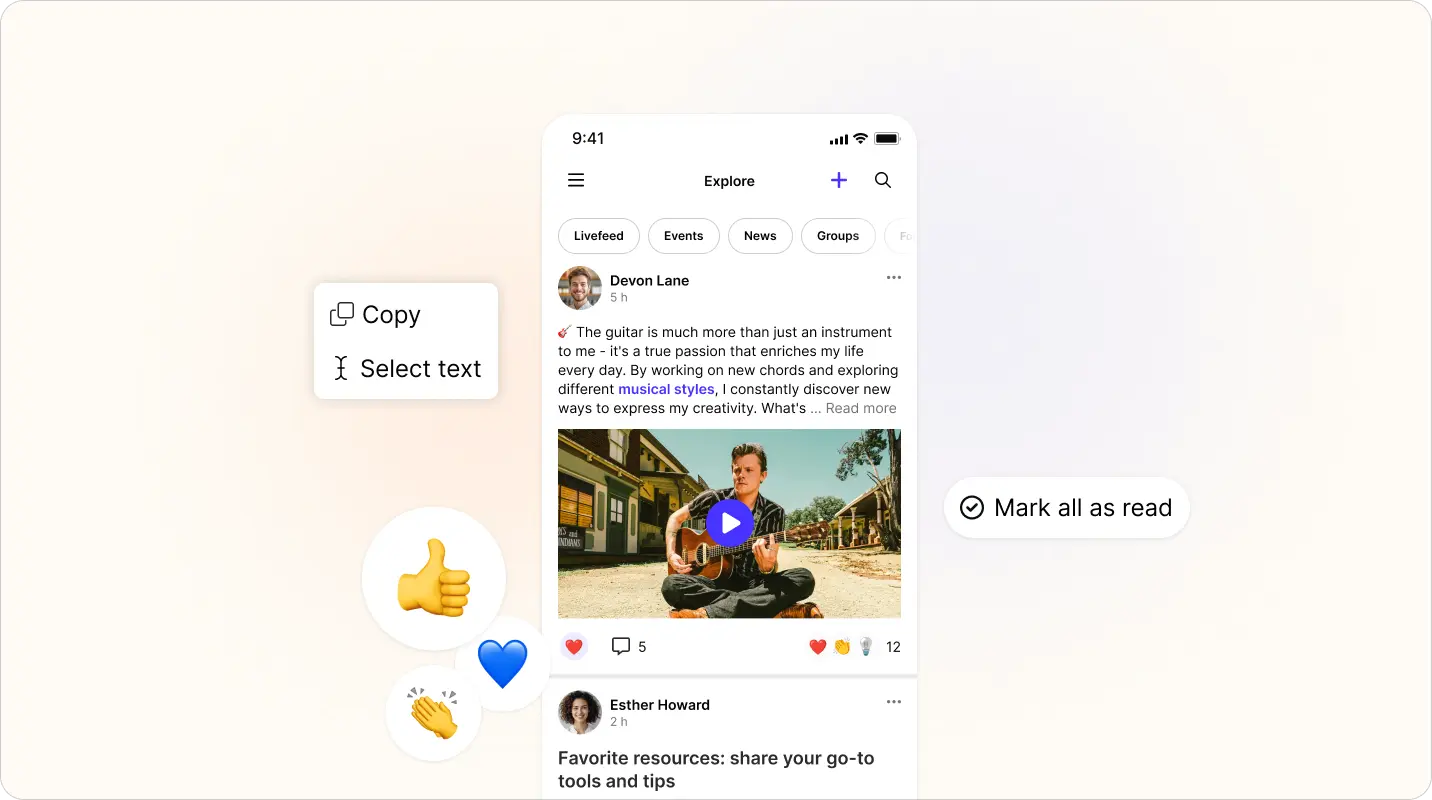
A new version of the mobile app is rolling out. Users can view all unread notifications in a dedicated tab and mark them as read, bringing the app in line with the desktop appearance. They can also long-press on text within native pages (Posts, Events, Forums, News) to copy or share a full selection or a specific portion. The AI Search icon now sits in the main navigation header on Explore and inside Groups, making it far easier to discover.
Who it's for: All mobile app users
Plan availability: Mobile app add-on
🤝 Orbiit (Matching & Engagement)
Run Orbiit engagements without requiring scheduling
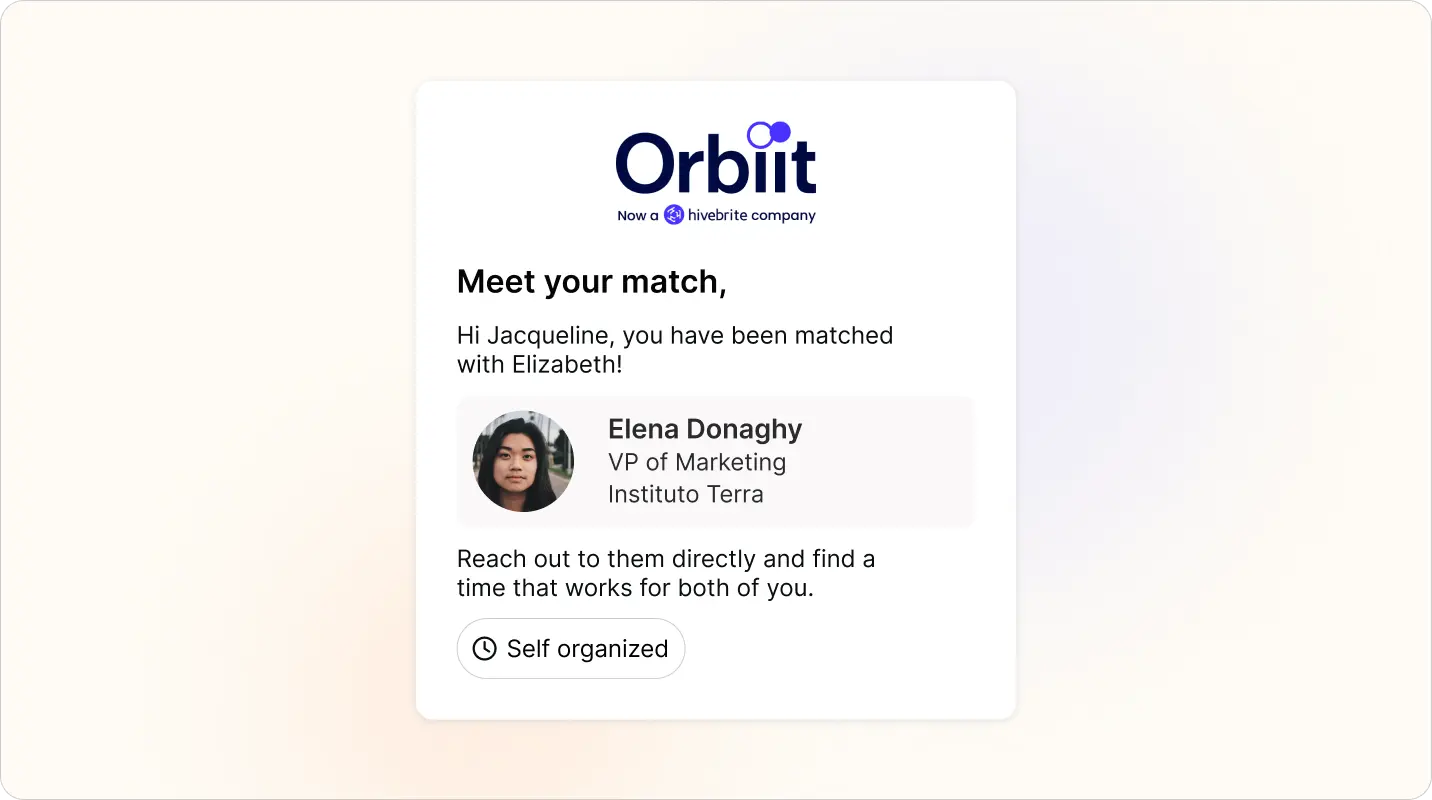
Admins can configure engagements where scheduling is at the same date/time for all participants, or disabled entirely. When disabled, matches are introduced via email without calendar invites or video call links, and members coordinate on their own.
Who it's for: Admins & Users
Plan availability: All Orbiit plans
Pre-fill Orbiit opt-in forms from member profiles
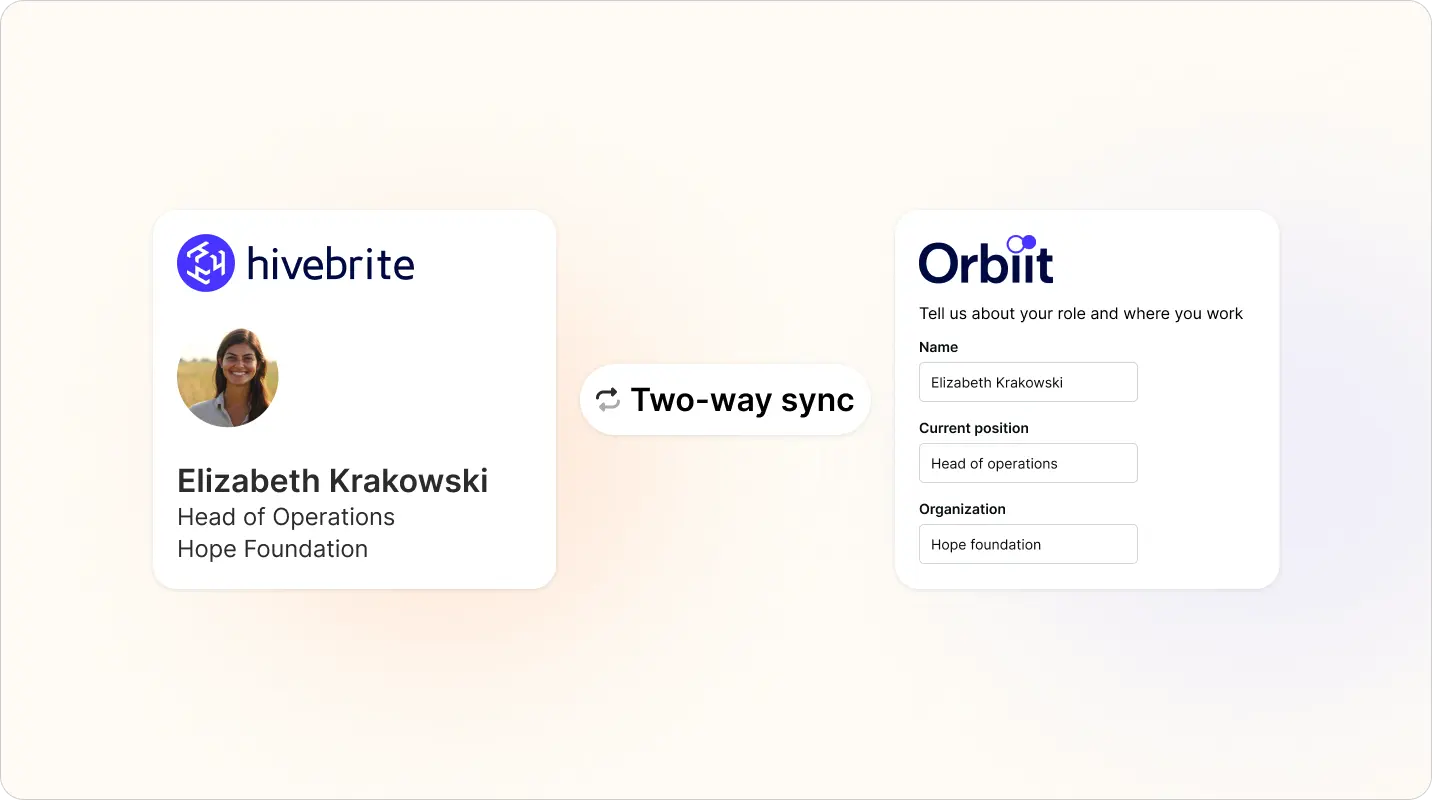
Admins can now sync profile fields from Hivebrite to Orbiit and use them in their opt-in forms. Questions auto-fill from the user's profile so members don't re-answer information they've already provided. Admins decide whether or not answers sync back to the Hivebrite profile.
Additionally, Orbiit audiences can now be created as synced audiences directly from the integration configuration. One-time imports are still supported for admins who prefer that mode.
Who it's for: Admins with Hivebrite
Plan availability: All Orbiit plans
See who attended Orbiit video calls
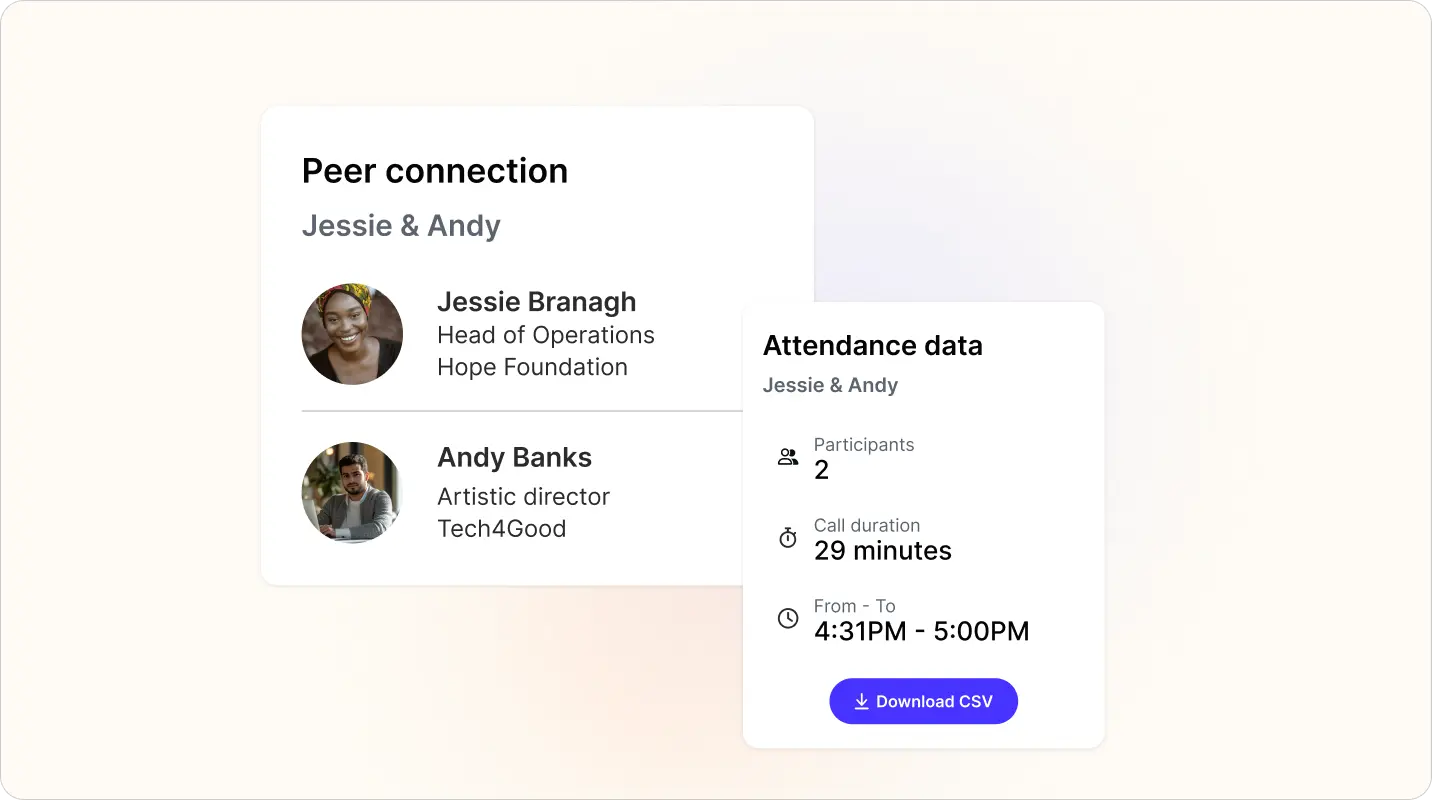
Orbiit now stores attendance metrics from video calls on each match. Admins see who actually joined regardless of whether the feedback form was completed. New fields appear in the matches CSV export, and analytics show how many meetings had 2 participants for at least 15 minutes.
Who it's for: Admins
Plan availability: All Orbiit plans
Unlock match feedback through reciprocal reviews
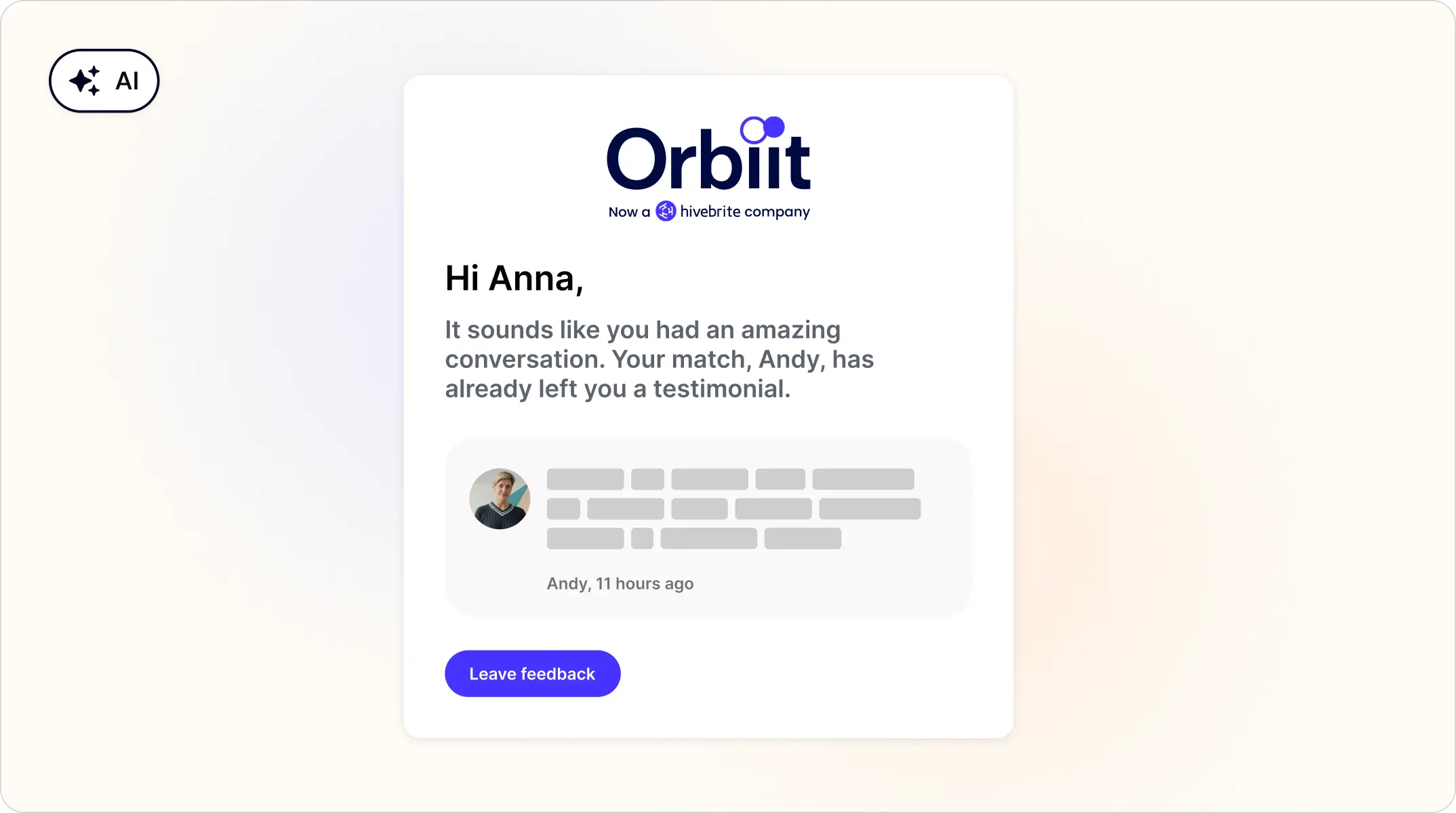
A new feedback flow encourages members to leave a testimonial for their Orbiit match. When the match has already left positive feedback, the user gets a prompt to unlock it by submitting their own first. The two-way exchange follows the reciprocal feedback model popularized by peer-to-peer platforms.
Who it's for: Users
Plan availability: All Orbiit plans
⚙️ Security and API improvements
Log out of Hivebrite and your identity provider in one step
OAuth2 SSO now supports Single Logout. When configured, signing out of Hivebrite also terminates the session at the identity provider, preventing re-entry without re-authentication. Admins enable it by adding a logout endpoint URL under Back Office > Integrations > Single Sign On > OAuth2.
Who it's for: Admins with OAuth2 SSO
Plan availability: All plans with the SSO add-on
Filter by user list in the admin API
The GET /api/admin/v1/users endpoint now supports the advanced_search_query parameter, enabling structured filtering of users, including by user list, which makes any saved filter combination reachable via the API.
Who it's for: Admins building API integrations and Professional Services
Plan availability: All plans
Send Mobile push notifications via API
The Admin API now supports push notification campaigns on mobile. Admins can send any type of internal content (Posts, Membership, Groups, etc.) to targeted user lists, programmatically.
Questions or feedback? Comment below, we track discussion and feature input here.
Interested in joining a Beta? Explore current and upcoming programs in Product Labs.